
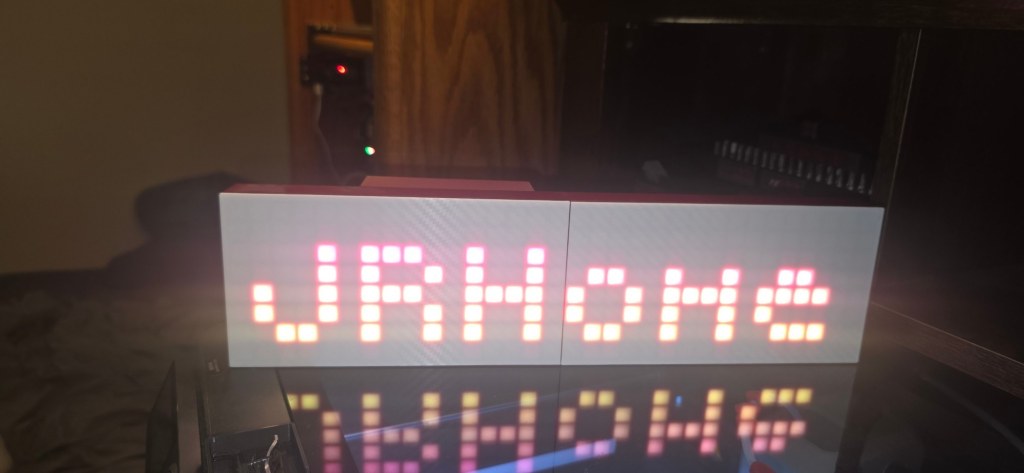
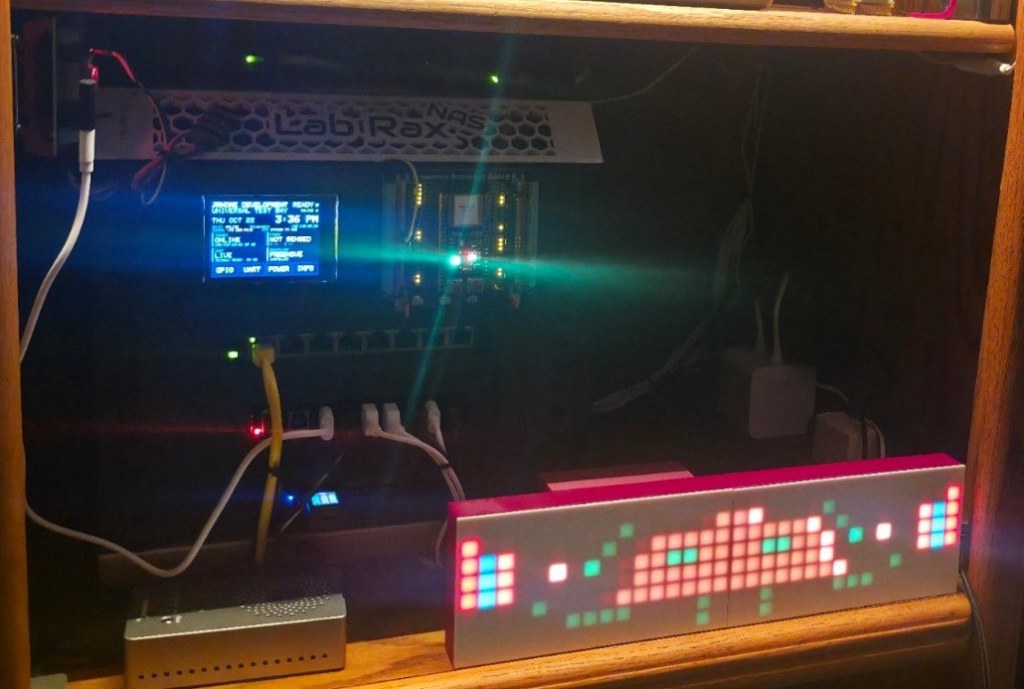
I had a 32×8 LED reader board left over from another project, running a sketch I’d written for it. When that project was done, the board went on a shelf. It’s a nice piece of hardware to leave on a shelf: an ESP32, 256 pixels, a white diffuser front, and a driver I already understood.
So it became an office sign. It now shows a clock, the date, scrolling text and a few pixel effects, and it’s controlled from a web page on my network. This is how that went, including the one bug that made me doubt myself.
At a glance
| Hardware | ESP32 board driving a 32×8 pixel matrix (256 pixels) from one data pin |
| Firmware | WLED 0.15.4 |
| Power | A 5 V, 1 A supply, with WLED’s current limit set to 850 mA |
| Result | Clock, date, scrolling text and effects |
1. Back up the original firmware
Before touching anything, I read the board’s whole flash into a file. I’m glad I did: it’s the only copy of the old firmware, and it may contain a Wi-Fi password, so that file stays private and never gets shared.
One practical snag: the USB-to-serial chip on this board wouldn’t read reliably at the fast 921600 baud rate. Dropping to 115200 worked every time. If a flash read fails, try slowing down before you suspect the board.
2. Get the matrix layout from the old code
The old sketch told me everything I’d need for WLED, so I read it instead of guessing:
- Data pin: GPIO 18
- Size: 32 wide by 8 high
- Start corner: top left
- Direction: the pixels run in vertical columns
- Wiring: serpentine (each column runs the opposite way to the one before it)
- Color order: GRB
If you don’t have the old code, the corner test below will tell you the same things.
3. Flash WLED (the one fiddly part)
The WLED firmware for the ESP32 is about 1.3 MB, and the old Arduino setup on this board only left a 1.25 MB slot for the app. It doesn’t fit. I flashed WLED with its own 4 MB partition layout and a bootloader borrowed from another of my ESP32 builds, instead of trying to squeeze it in, and then it booted normally.
If you’re converting an old board, check the firmware size against the partition table first. It saves a confusing round of “flash succeeded, nothing boots.”
4. Tell WLED about the matrix, then run a corner test
In WLED’s LED settings I entered the values from step 2 and set the current limit to 850 mA, comfortably under the 1 A supply.
Then I drew a test pattern before trusting any real effect: red in the top-left pixel, green along the top row, blue down the first column.
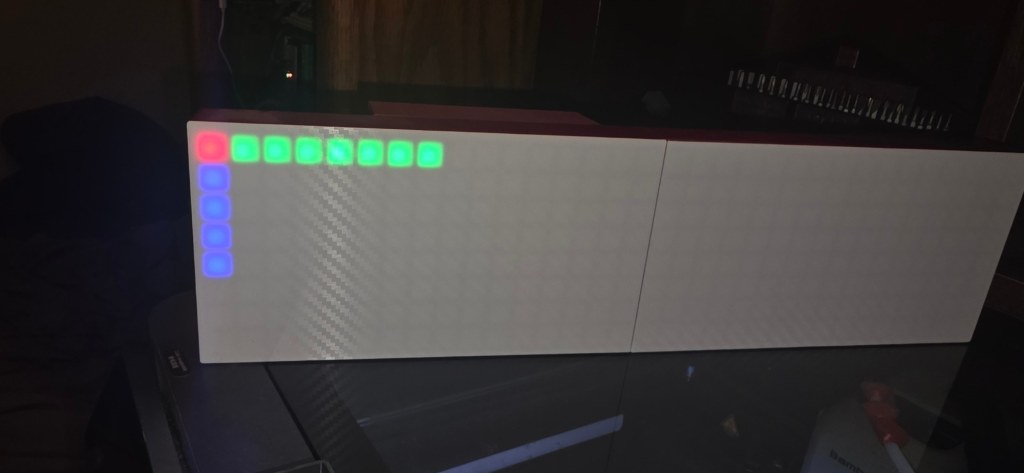
It looked right. Effects ran correctly and every pixel landed where it should.
5. The upside-down text
Then I tried scrolling text and a clock, and every character came out rotated 180°.
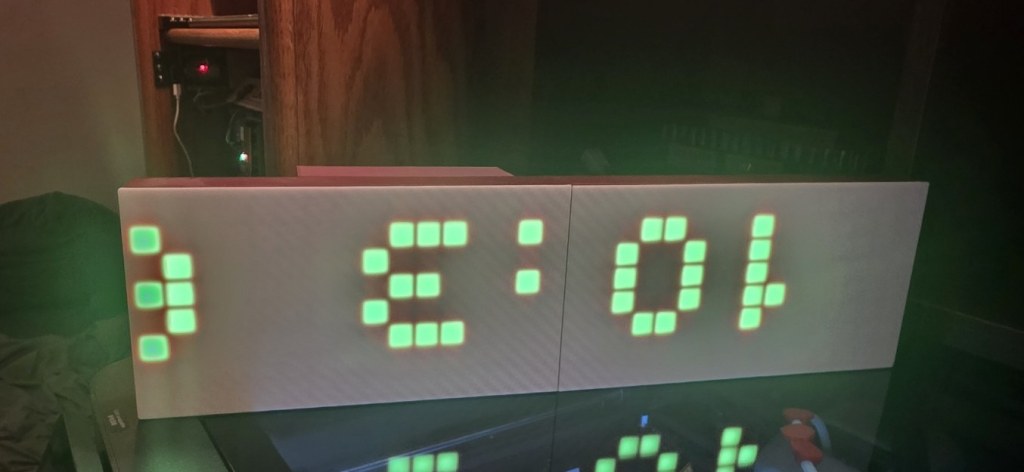
The effects were fine, so the layout couldn’t be wrong. That ruled out most of what I’d been about to start rewiring. It turned out to be one slider. In WLED’s scrolling-text effect, the Rotate control doesn’t mean degrees: its range of 0 to 31 maps to quarter-turns from −2 to +2. At 0 you’re at −2 quarter-turns, which is a half-turn: every letter upside down. Setting it to 16, the middle, gave normal text.
I fixed it in my saved presets and loaded them again. That’s the whole bug, and it’s a good example of why the test pattern comes first: it tells you the hardware is fine so you only have to chase the software.
6. Presets
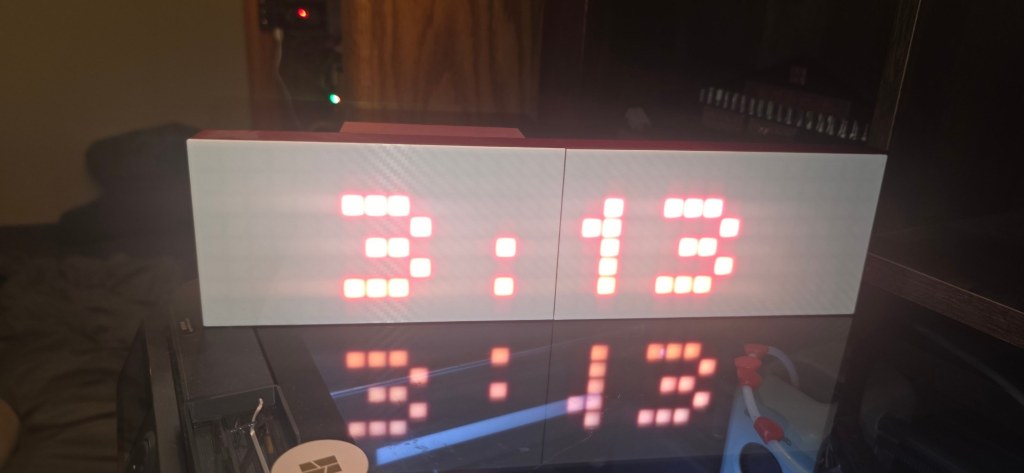
I built my presets as a file and uploaded it to the sign, which is easier than clicking each one in the web page. The set includes the JRHome name in large letters, a clock, a date-and-time display and a few of WLED’s 2D effects. WLED’s scrolling text can pull in the time and date, so the clock and date displays don’t need any code.
A gotcha if you upload presets from Windows: if you use Git Bash’s curl, its path handling rewrites the /presets.json filename, and WLED quietly keeps the old file with no error. PowerShell’s curl.exe sends the name correctly. I lost a few minutes wondering why my changes weren’t showing up.
What I’d do next
- Possibly lock over-the-air updates, so nobody else on the network can push firmware to it. I haven’t decided yet.
Safety
This is a low-voltage build, but check that the supply is rated for what the pixels can draw, and set WLED’s current limit below the supply’s rating. A full-white matrix pulls far more than a clock does.
Sources
- WLED documentation: kno.wled.ge


Leave a Reply